NuxtのreadBodyとは
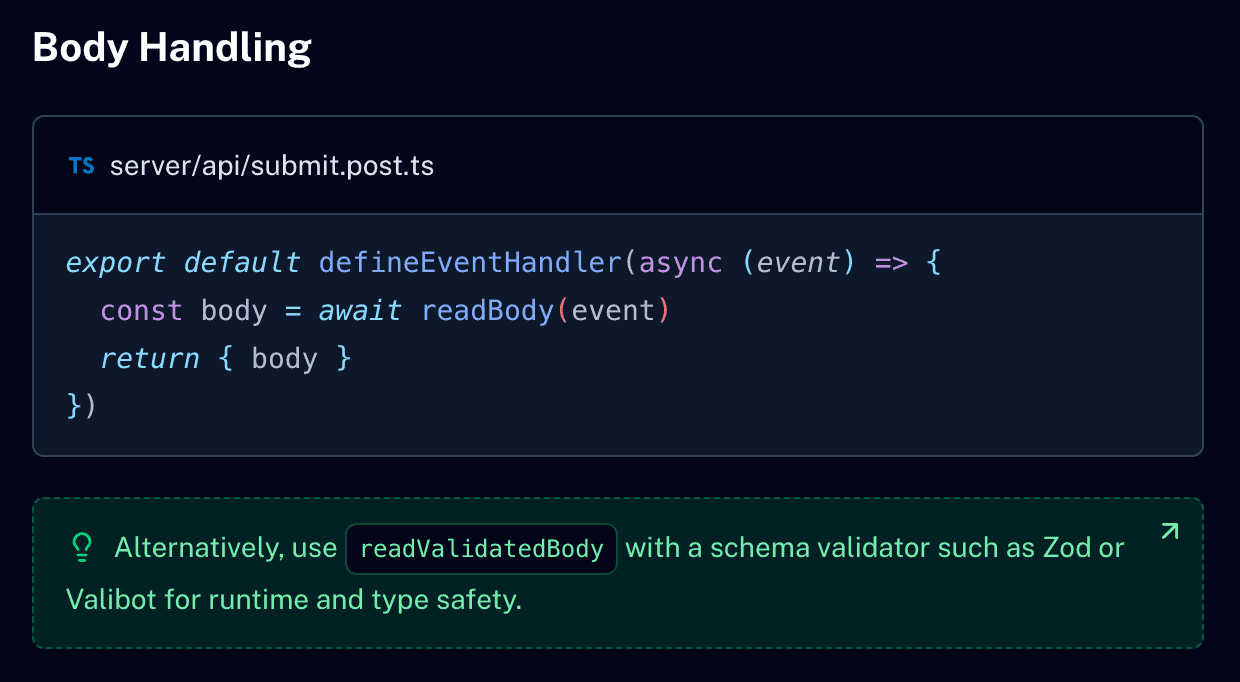
readBodyはNuxtのserverディレクトリにおいて、クライアントから送信されたPOSTリクエストなどの「リクエストボディ(JSONデータなど)」を解析して取得するための非同期関数です。
server/apiなどのAPIルート内でdefineEventHandlerの引数であるevent オブジェクトをreadBody(event) に渡すことで、データを取り出すことができます。
server/api/auth.post.ts
import type { User, ReturnAuth } from '@/interfaces'

export default defineEventHandler(async (event): Promise<ReturnAuth> => {
  const result = await readBody(event)
  const { success, data } = result
  let user: User | null = null

  if (success && data.userId === 'foo' && data.password === 'bar') {
    user = {
      id: 1234567,
      userId: data.userId,
      name: '山田太郎',
      password: ''
    }
  }

  return {
    success,
    user
  }
})Nuxtの参考書やWeb上の記事などではreadBodyを使用しているのをよく見かけますが、バリデーションを行わないため、Nuxt公式ではreadBodyの使用を推奨していません。
Nuxt公式はreadBodyよりreadValidatedBodyを推奨
Nuxt公式ではreadBodyよりreadValidatedBodyを推奨しています。
こちらを使用することで予期せぬデータの混入を防ぐことができます。
server/api/auth.post.ts
import { z } from 'zod'
import type { User, ReturnAuth } from '@/interfaces'

const loginSchema = z.object({
  userId: z.string(),
  password: z.string()
})

export default defineEventHandler(async (event): Promise<ReturnAuth> => {
  const result = await readValidatedBody(event, loginSchema.safeParse)
  const { success, data } = result
  let user: User | null = null

  if (success && data.userId === 'foo' && data.password === 'bar') {
    user = {
      id: 1234567,
      userId: data.userId,
      name: '山田太郎',
      password: ''
    }
  }

  return {
    success,
    user
  }
})server · Nuxt Directory Structure v4
もしも制作しているWebサイトのコード内にreadBodyを使用している箇所がある場合は、受け取ったデータのバリデーションをしていない可能性があるため注意が必要です。